Ways of Working with AI
The market for AI advice feels completely saturated, and by the time you’ve got a partial grip on what AI can do, it’s moved on again. Here are some ideas I think might be useful if you’re exploring what’s possible now, and whatever comes next.
Card 1 of 7: Three ways to work with AI
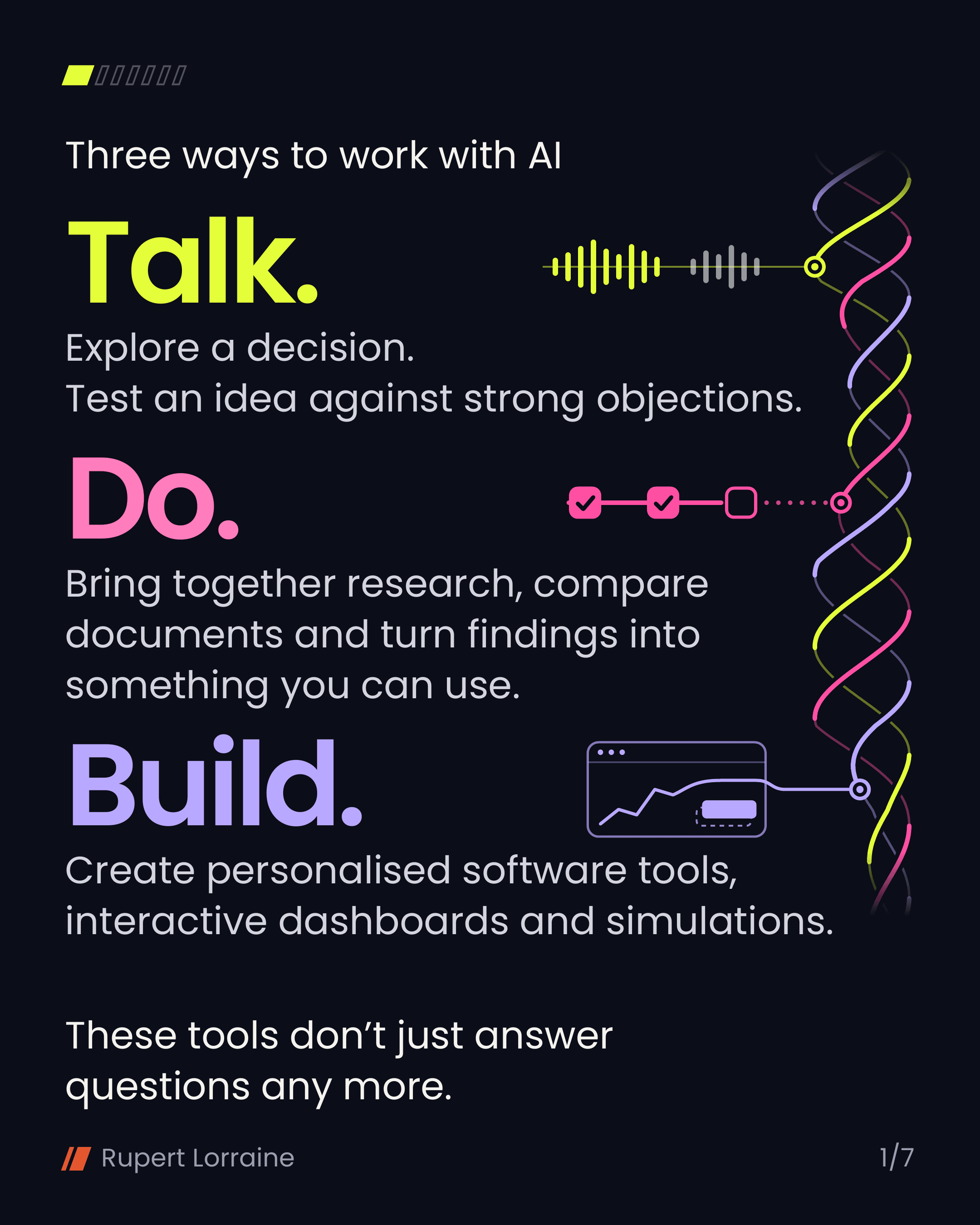
Talk. Explore a decision. Test an idea against strong objections.
Do. Bring together research, compare documents and turn findings into something you can use.
Build. Create personalised software tools, interactive dashboards and simulations.
These tools don’t just answer questions any more.
Card 2 of 7: Build a way to explore the answer.
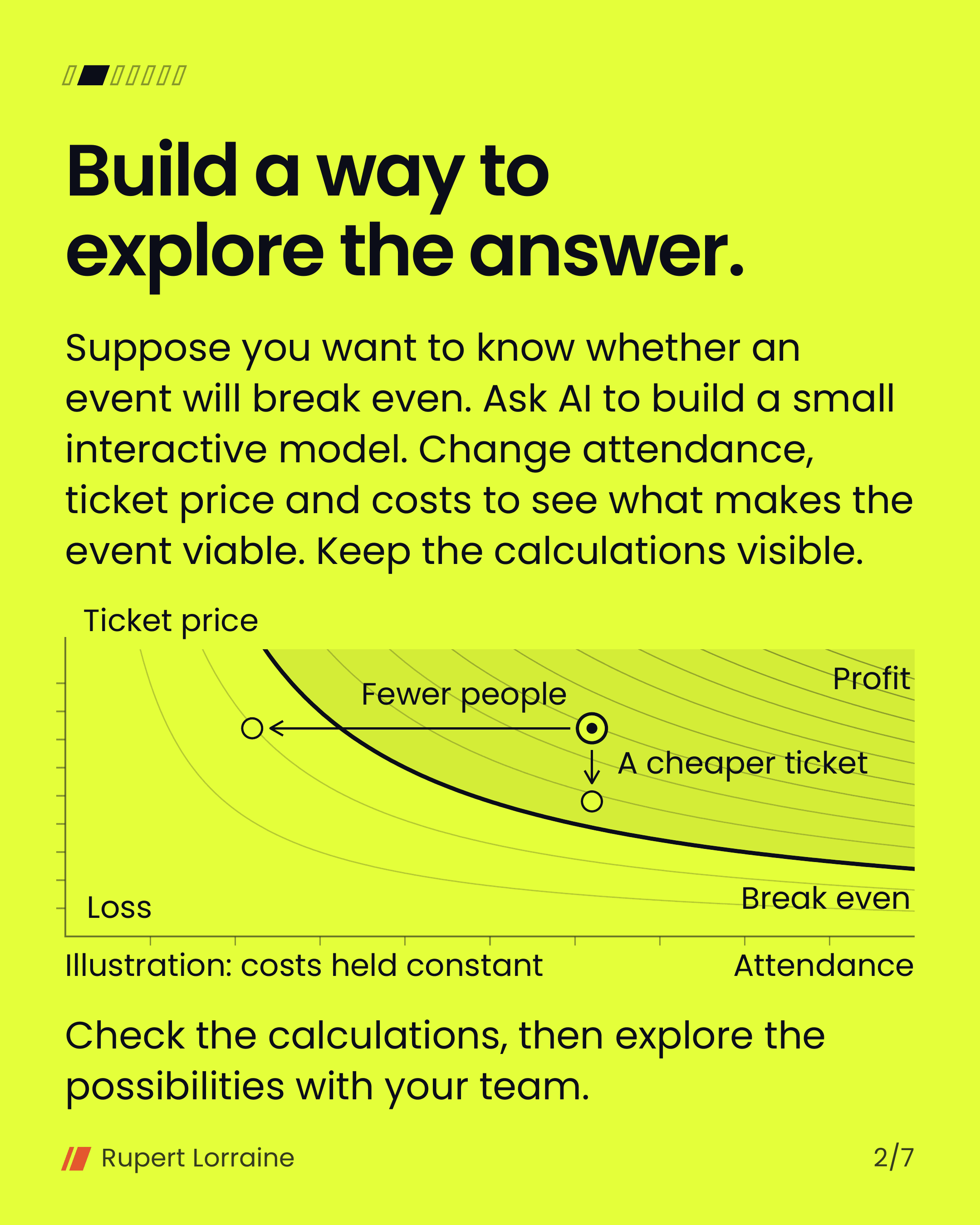
Suppose you want to know whether an event will break even. Ask AI to build a small interactive model. Change attendance, ticket price and costs to see what makes the event viable. Keep the calculations visible.
Check the calculations, then explore the possibilities with your team.
Card 3 of 7: Let it work while you sleep.
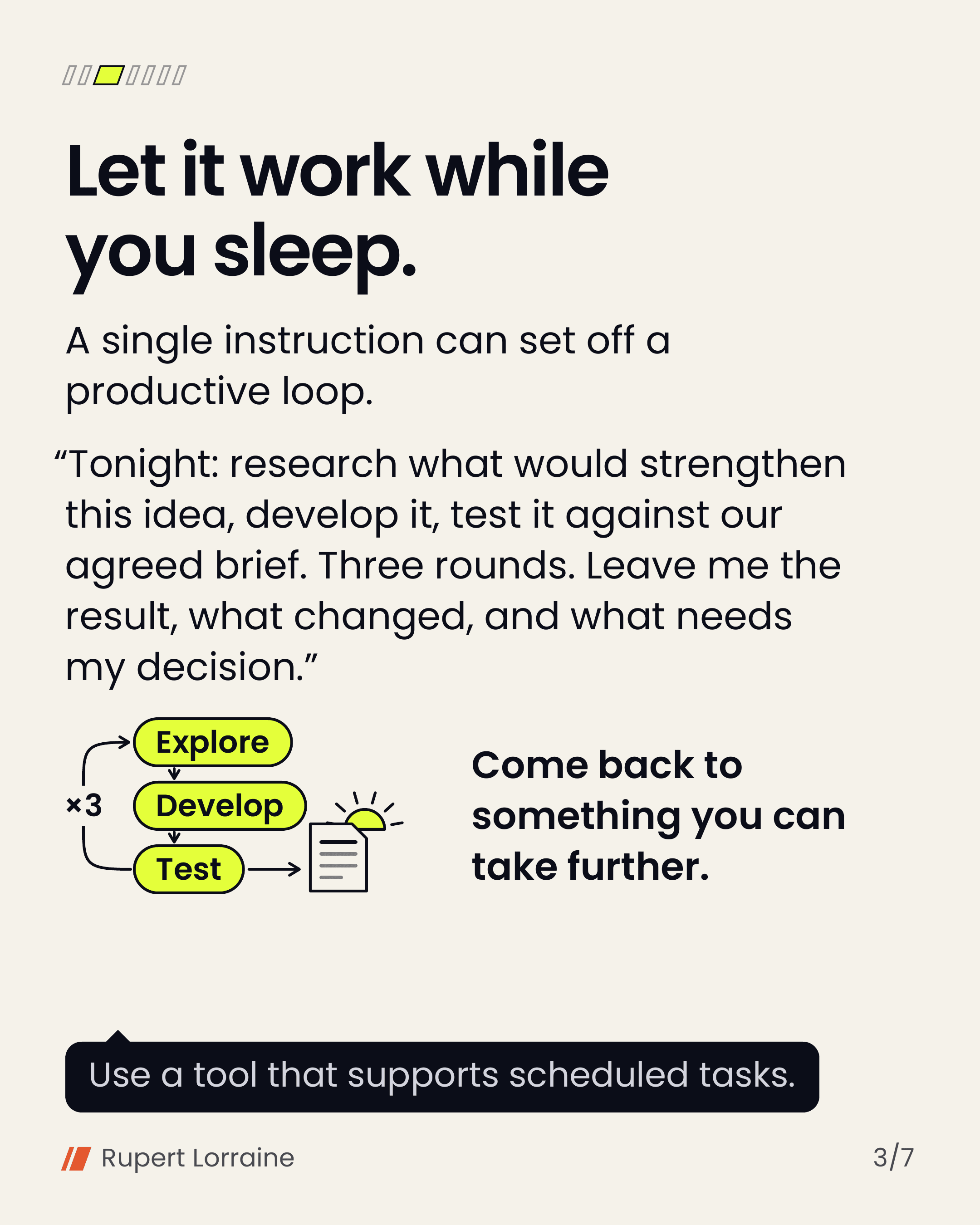
A single instruction can set off a productive loop.
“Tonight: research what would strengthen this idea, develop it, test it against our agreed brief. Three rounds. Leave me the result, what changed, and what needs my decision.”
Come back to something you can take further.
Use a tool that supports scheduled tasks.
Card 4 of 7: The part you edit out of your prompt may be the context it needs.
“We tried that last year and nobody came.”
You might say that to a colleague, but leave it out of a neatly written request.
Try explaining it aloud, including what you’ve tried and why you’re hesitating. Ask AI to organise it afterwards. Check that the clearer version still says what you meant.
Wispr Flow is one option for dictating into the text box you’re already using.
Card 5 of 7: Ask your AI what it has started taking for granted.
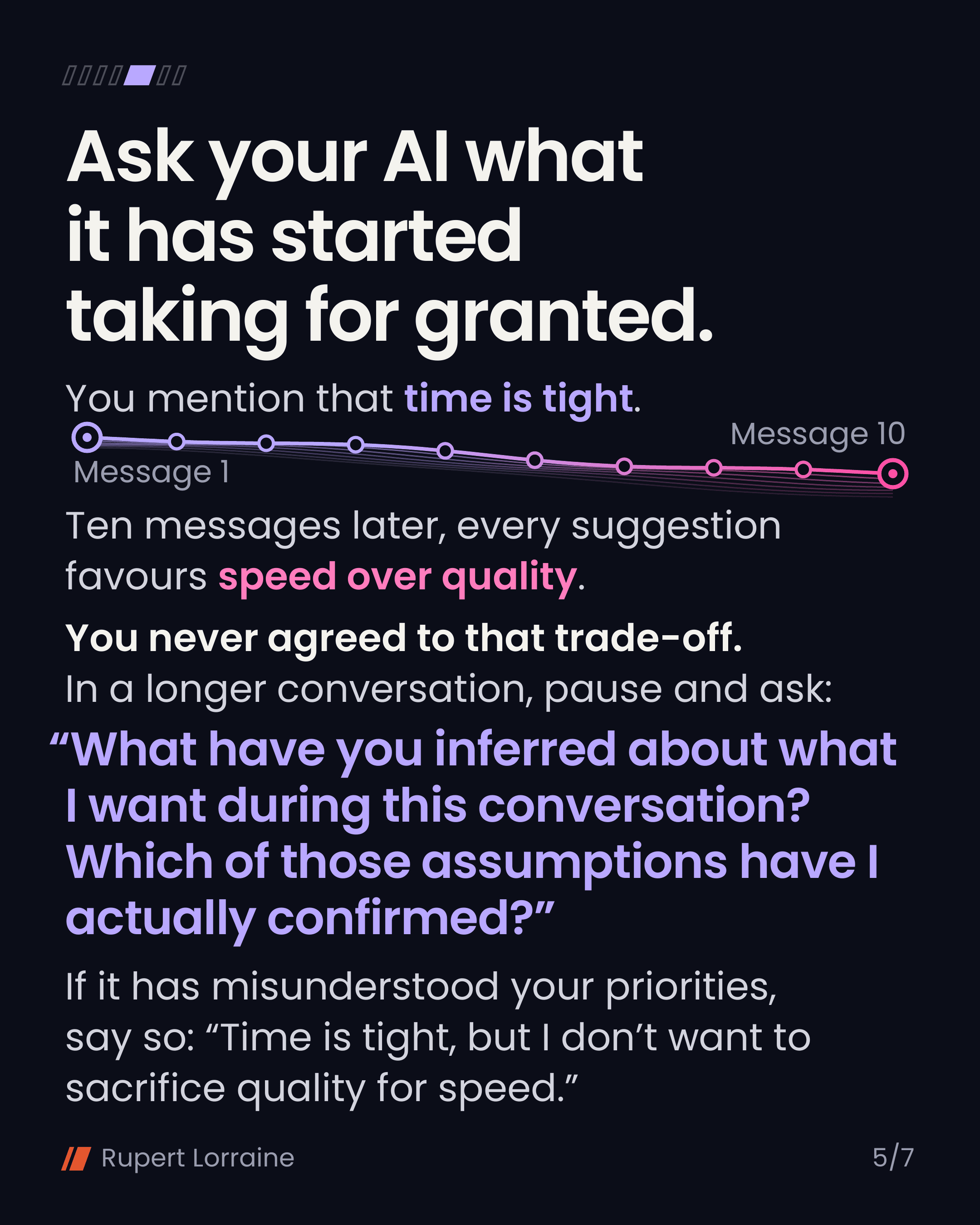
You mention that time is tight.
Ten messages later, every suggestion favours speed over quality.
You never agreed to that trade-off. In a longer conversation, pause and ask:
“What have you inferred about what I want during this conversation? Which of those assumptions have I actually confirmed?”
If it has misunderstood your priorities, say so: “Time is tight, but I don’t want to sacrifice quality for speed.”
Card 6 of 7: Sometimes you need something to disagree with.
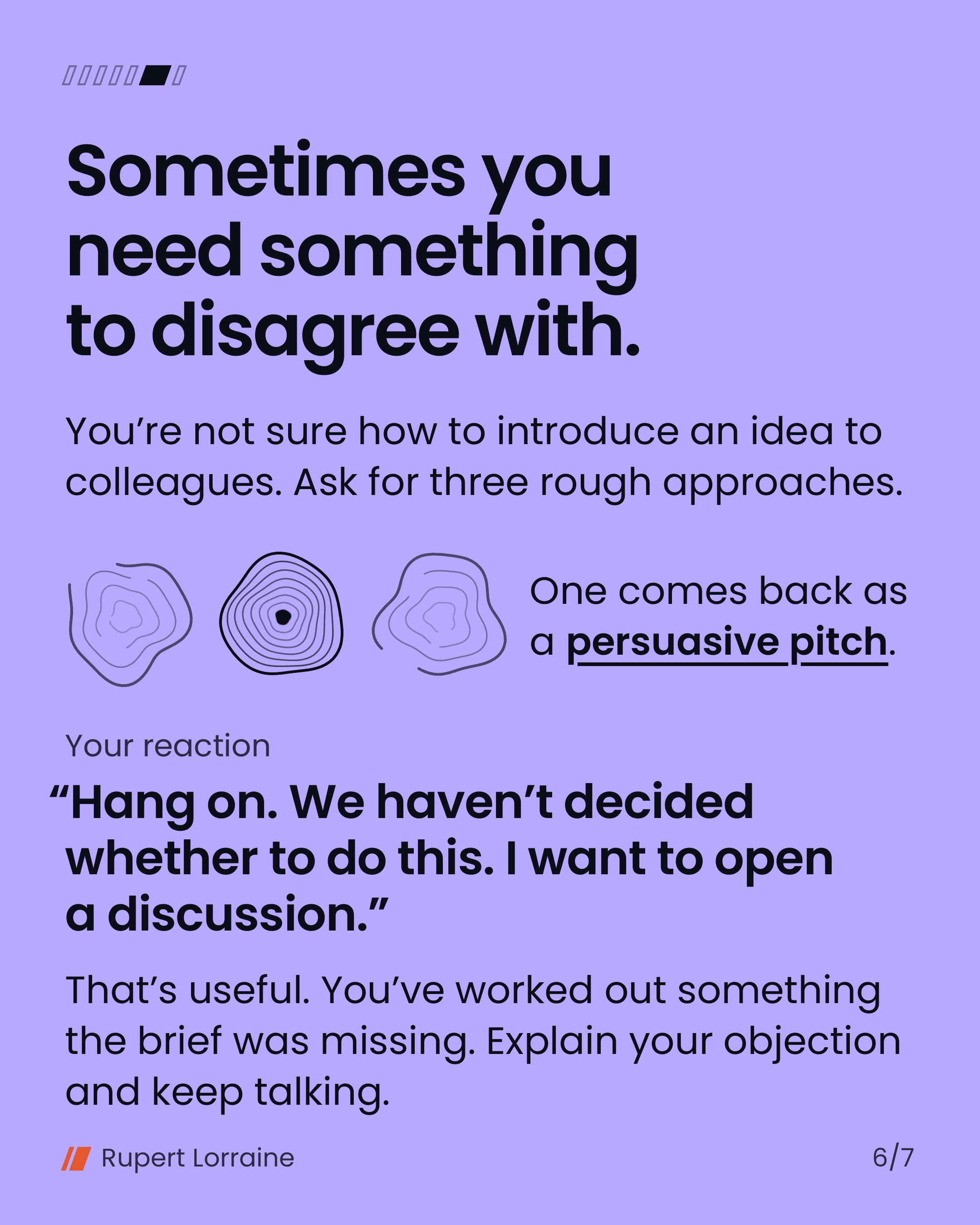
You’re not sure how to introduce an idea to colleagues. Ask for three rough approaches.
One comes back as a persuasive pitch.
Your reaction: “Hang on. We haven’t decided whether to do this. I want to open a discussion.”
That’s useful. You’ve worked out something the brief was missing. Explain your objection and keep talking.
Card 7 of 7: Make the work portable.
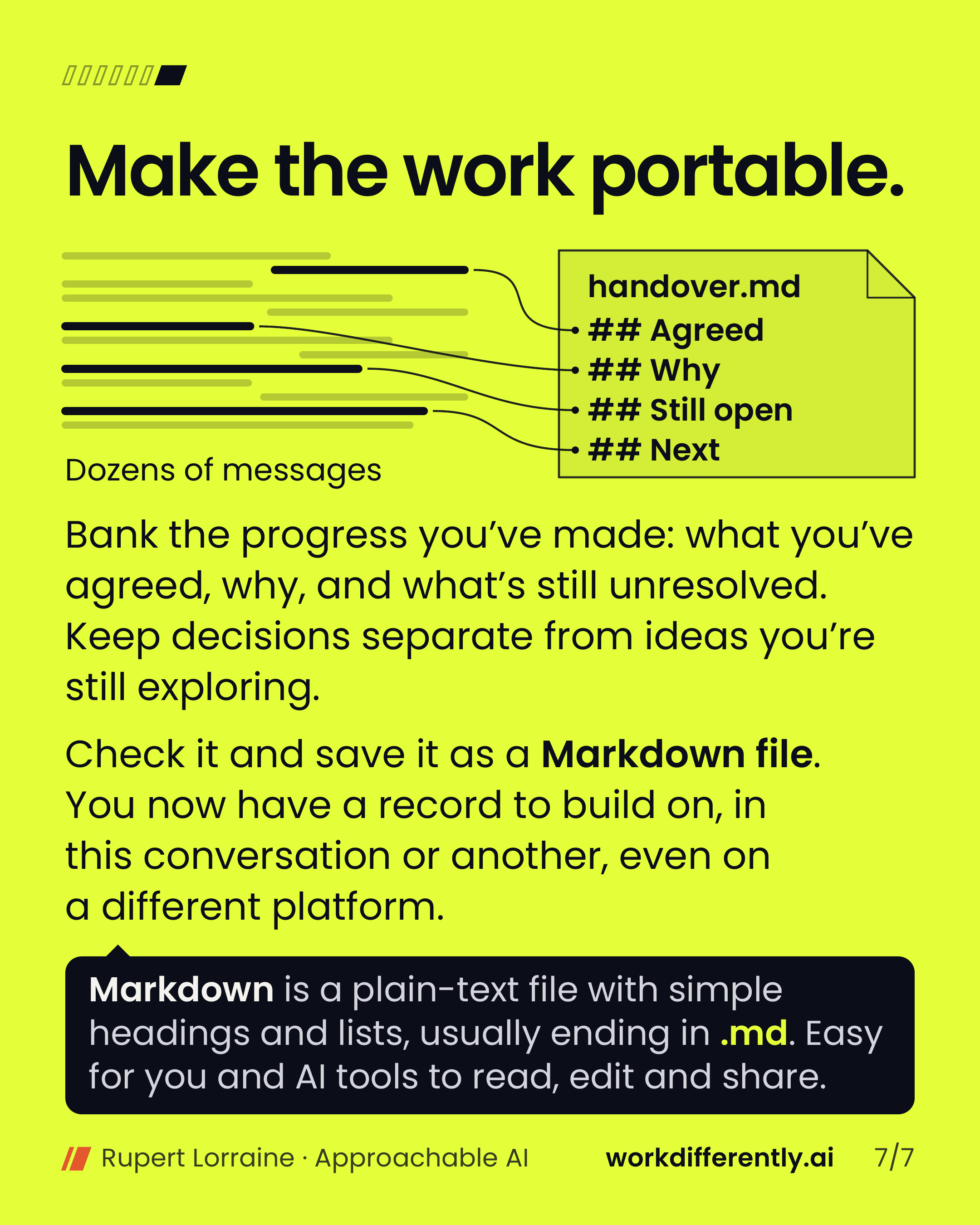
Bank the progress you’ve made: what you’ve agreed, why, and what’s still unresolved. Keep decisions separate from ideas you’re still exploring.
Check it and save it as a Markdown file. You now have a record to build on, in this conversation or another, even on a different platform.
Markdown is a plain-text file with simple headings and lists, usually ending in .md. Easy for you and AI tools to read, edit and share.
Card 1 / 7
In brief
1 Three ways to work with AI
Talking, doing and building are equally useful, and one piece of work can move between all three.
2 Build a way to explore the answer.
Ask for a small model you can change yourself, with the calculations visible.
3 Let it work while you sleep.
One clear instruction can run a few rounds overnight and leave you something to decide on.
4 The part you edit out of your prompt may be the context it needs.
Explaining aloud keeps the experience and hesitation a tidy request can lose.
5 Ask your AI what it has started taking for granted.
Check which priorities it has assumed, and correct the ones you never agreed to.
6 Sometimes you need something to disagree with.
Your reaction to an imperfect draft can show you what you actually want.
7 Make the work portable.
Keep a short record of decisions, reasons and open questions to carry into the next conversation.